Category: How to
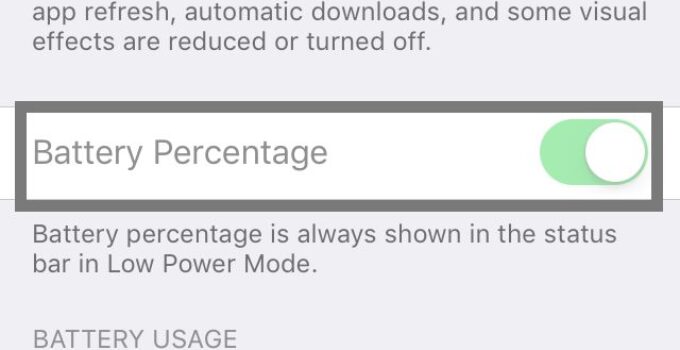
If you have ever seen your battery bar turning yellow just like in the picture below and ever wondered what this means, this is the article for you. You …
The Apple iPad is one of the best tablet devices which you can find out there. It’s superior built quality justifies it’s high price-point in the tablet market. But …
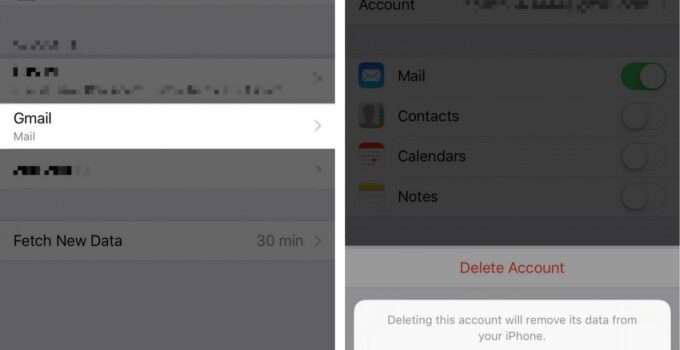
Are you too receiving notification which says that the Mail app ‘Cannot verify the identity of the mail server’ or simply ‘Cannot Verify Server Identity’ when you try to …
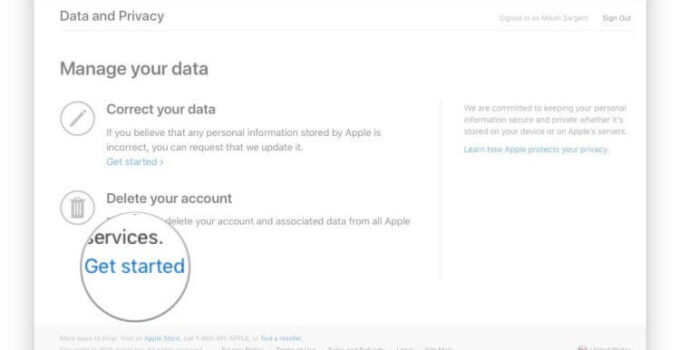
If you are an Apple user, you are sure to have an Apple ID. The reason for this is that said Apple ID is essential in order to gain …
Starting a podcast is an exhilarating journey into the world of digital storytelling. You’ve gathered your courage, your brilliant podcast idea, and maybe even a few pieces of high-quality …
Have you got a big project coming up? Unless you are an AR developer, you need to hire someone who will make it a success. However, finding the right …
Are you facing troubles with your Apple devices? Well, Apple provides world-class customer service available to you at your convenience. You can call them at their customer care number …
Apple users often come across several problems while using the Apple’s messaging service iMessage. Unlike traditional Text Messaging, these problems are unable to fix by themselves. Therefore, you should …
Your iPhone is your portal for almost everything. Users use it to communicate with friends and family, to document life with videos and photos, and to surf the web. …
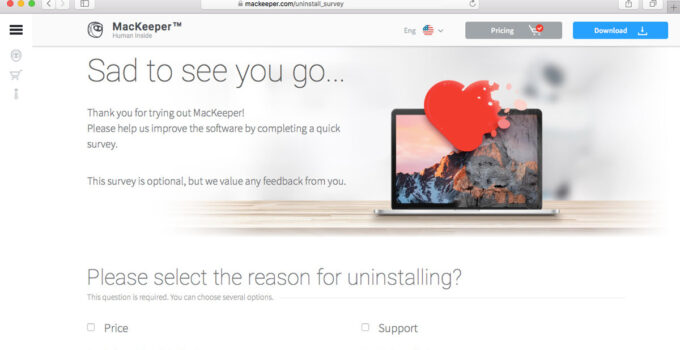
Are you still receiving a MacKeeper pop-up window that indicates that a System Scan is recommended: click Start Scan to start the system diagnostics? Wondering how to remove MacKeeper …