Category: How to
Despite the fact that Macbooks are known for their stability and variety of great features, there are still some problems that users have to encounter from time to time. …
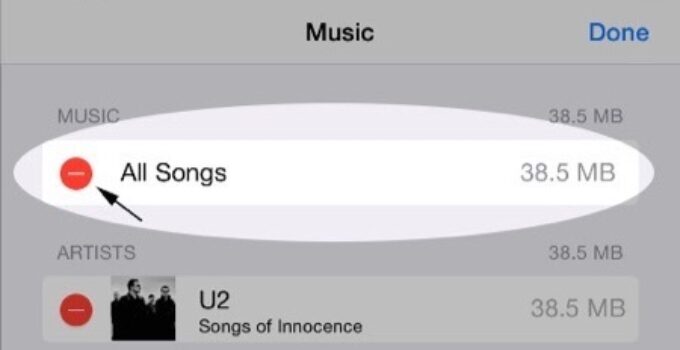
Are you facing iTunes songs greyed out issue and don’t know to fix it? Then I hope this article provides you an easy solution for you to fix iTunes …
I’m trying to install TweakBox on my iPhone and iPad. Do I need to know more about TweakBox before proceeding? Here’s what you need to know about TweakBox for …
Do you have a Mac or MacBook desktop that won’t turn on, or iMac won’t boot past apple logo? Don’t worry, it’s frustrating, but usually, it can be fixed. …
Is your iPad screen frozen and you wonder what to do to help with this situation? Well, it can be annoying when your iPad home screen is frozen. You …
Looking for installing Snapchat++ for iOS (or) any of your Apple Device ? and not sure how to get started? Then this guide will show you How to Download …
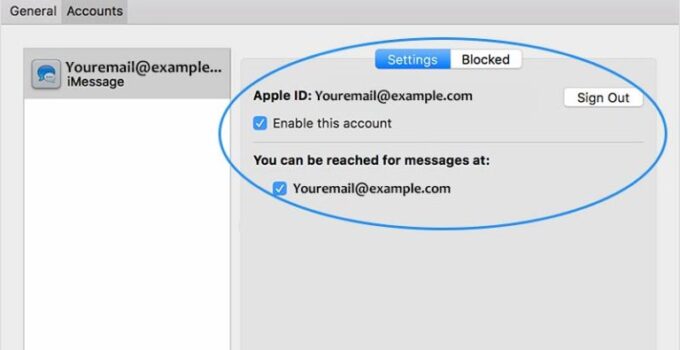
If you are an iOS and Mac user, you will definitely configure the iPhone iMessage service on your Mac using your same Apple ID. After the process, we believe …
Did you know that it’s possible to use your iPhone as a webcam? It won’t emulate the camera at all in the traditional sense, but there are some apps …
What to do when your Apple Watch refuses to turn on or does not respond or does not show any display? If you rely on this “fantastic” device on …
iCloud has over 850 million users. Whether you have a MacBook, iPhone, or iPad, chances are you use Apple’s robust cloud technology. With iCloud, you can sync your apps, …