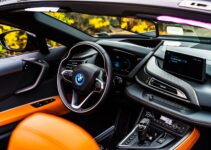
A modern car’s cockpit is no longer a collection of separate instruments and buttons. A digital instrument cluster, center touchscreen, navigation, audio, climate settings and driver-assistance alerts can all draw on connected electronics and software. The aim is not simply to put more functions on screens. It is to make the right information easier to find while the driver’s attention stays on driving.
One cabin, several jobs
The digital cluster sits in the driver’s forward view, where it can show speed, warnings and selected trip information. A central display is better suited to maps, media and settings that need more room. In a smart cockpit, these displays may share vehicle data and a consistent interface, so a navigation prompt or warning can appear where it is most useful rather than being buried in a separate menu.
That division matters. A screen that can show everything is not automatically a screen that should show everything. Good design gives urgent, frequently needed information visual priority and keeps secondary features from competing with it.
Navigation belongs in the flow, not in the way
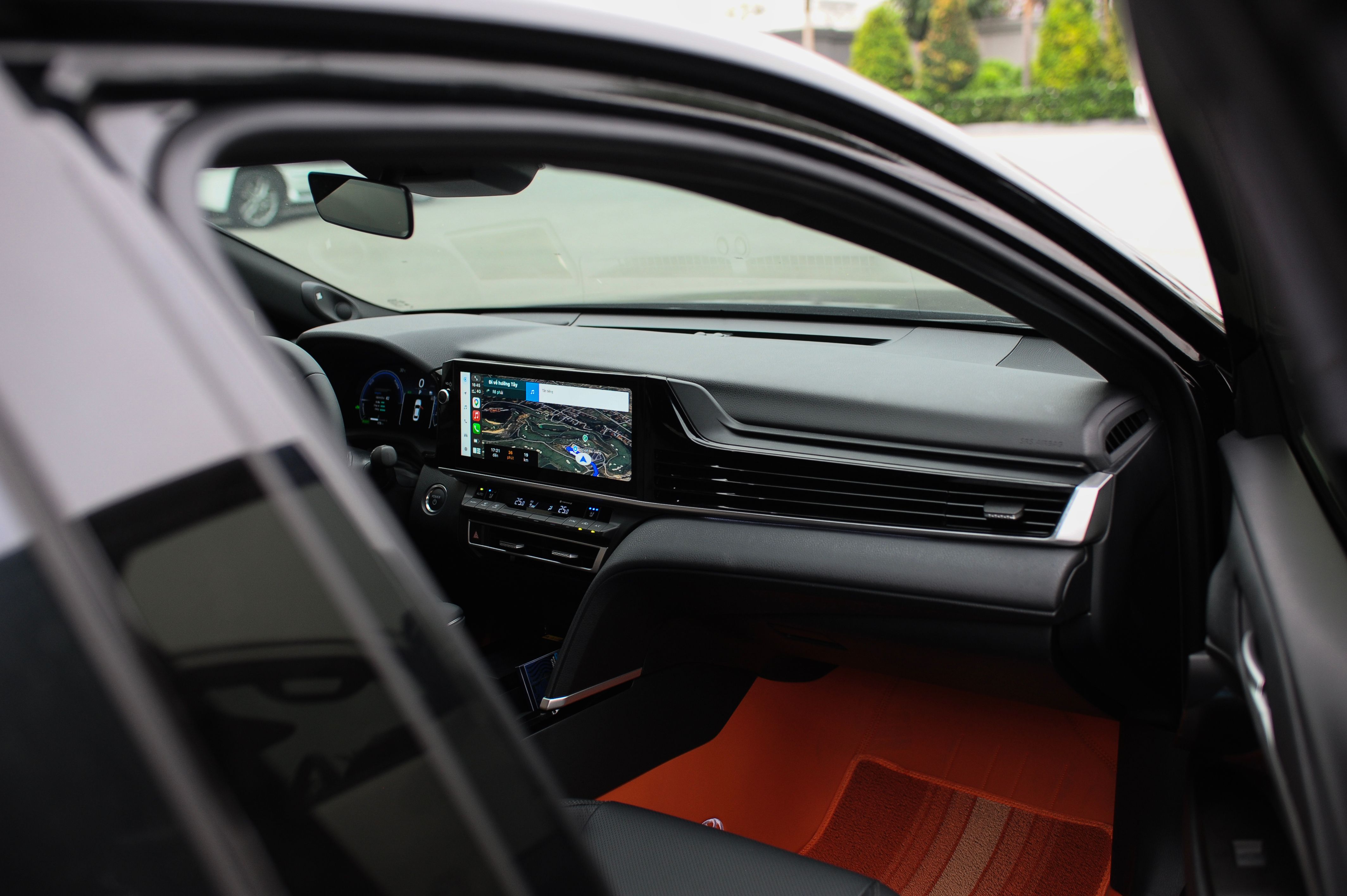
Navigation is a clear example of integration’s value: a route can be planned on the center display, then upcoming turns can be repeated in the instrument cluster or spoken aloud. That reduces the need to search across screens. Phone projection and connected services can add familiar apps, but they should not turn the dashboard into a general-purpose tablet. Setting a destination, browsing entertainment or entering text is still a task that can pull a driver’s eyes and hands away from the road.
For a related look at the risk behind those design choices, see Digital Care’s guide to distracted driving and road safety.
The touchscreen is not the whole interface
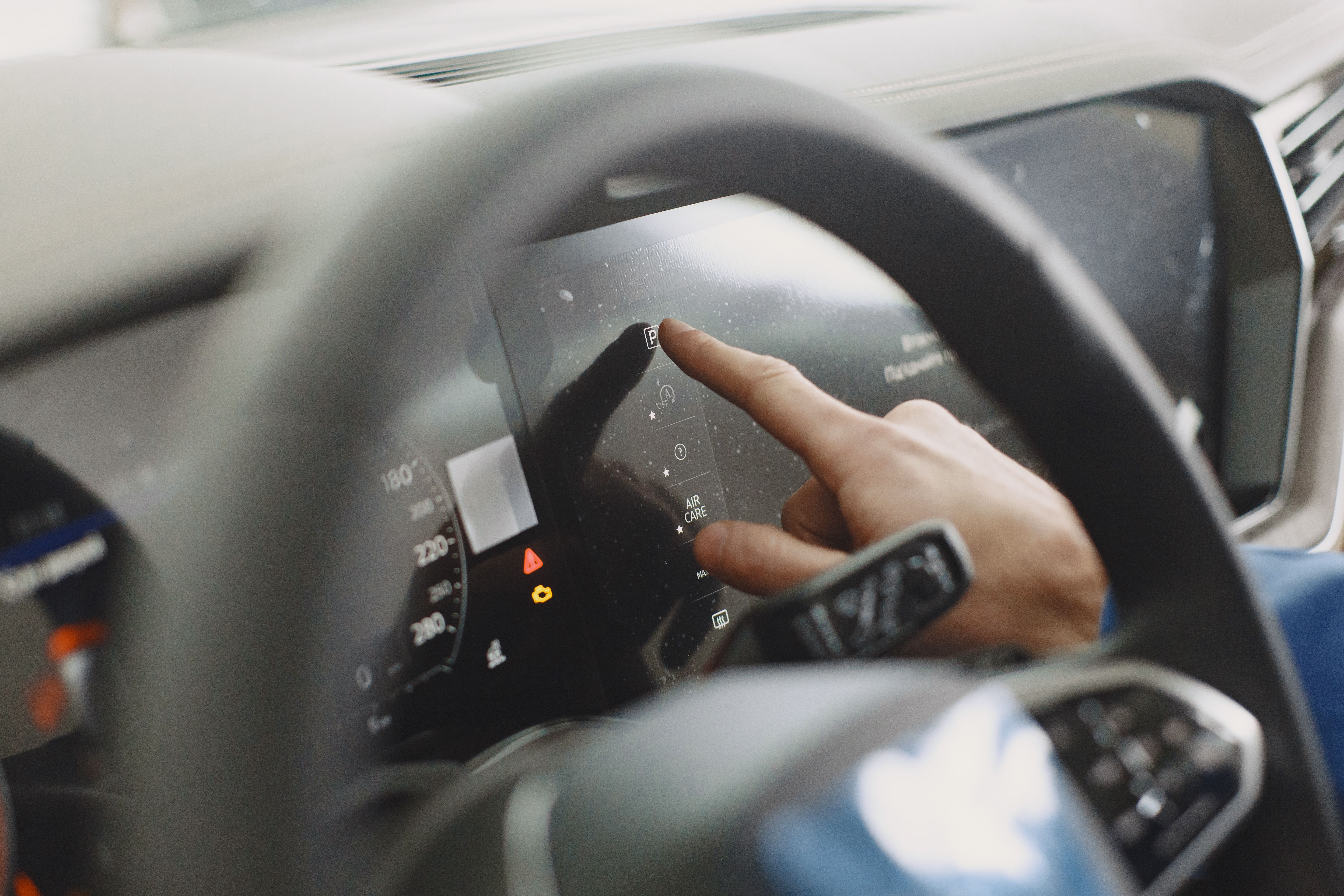
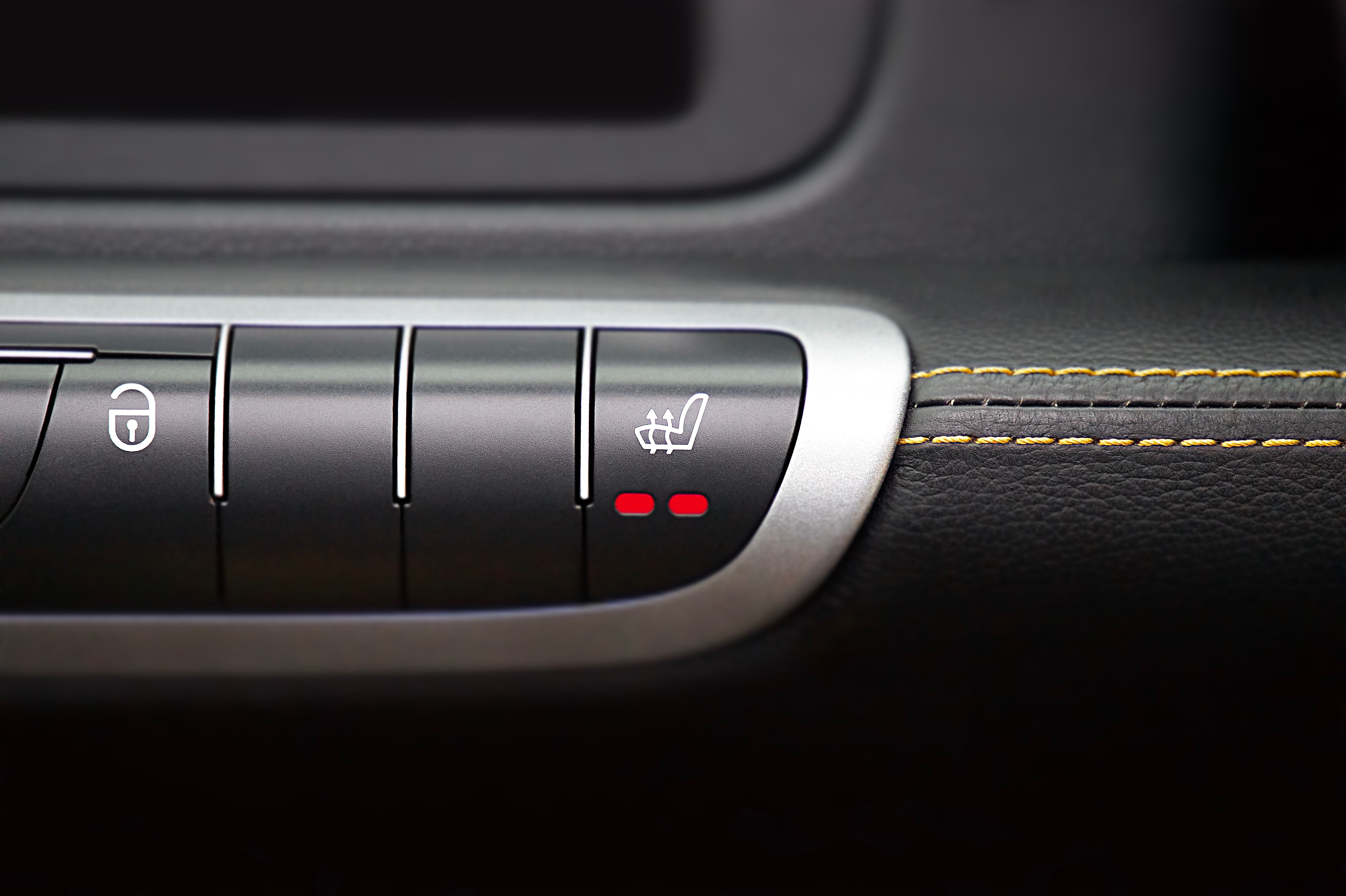
Touchscreens are flexible: manufacturers can update layouts and combine features without adding a physical switch for every option. Their weakness is that a flat surface offers little tactile feedback. Finding a climate control may require looking at the display, opening a menu and confirming a selection. A knob or clearly placed button can often be operated by feel.
My view is that the strongest cockpits will be hybrids. Use a screen for maps, media and less frequent choices; retain direct controls for functions drivers adjust often, such as temperature or volume. Voice control can help, but it should be an alternative, not the only reliable way to complete a basic task.
Safety depends on the interaction, not the screen count
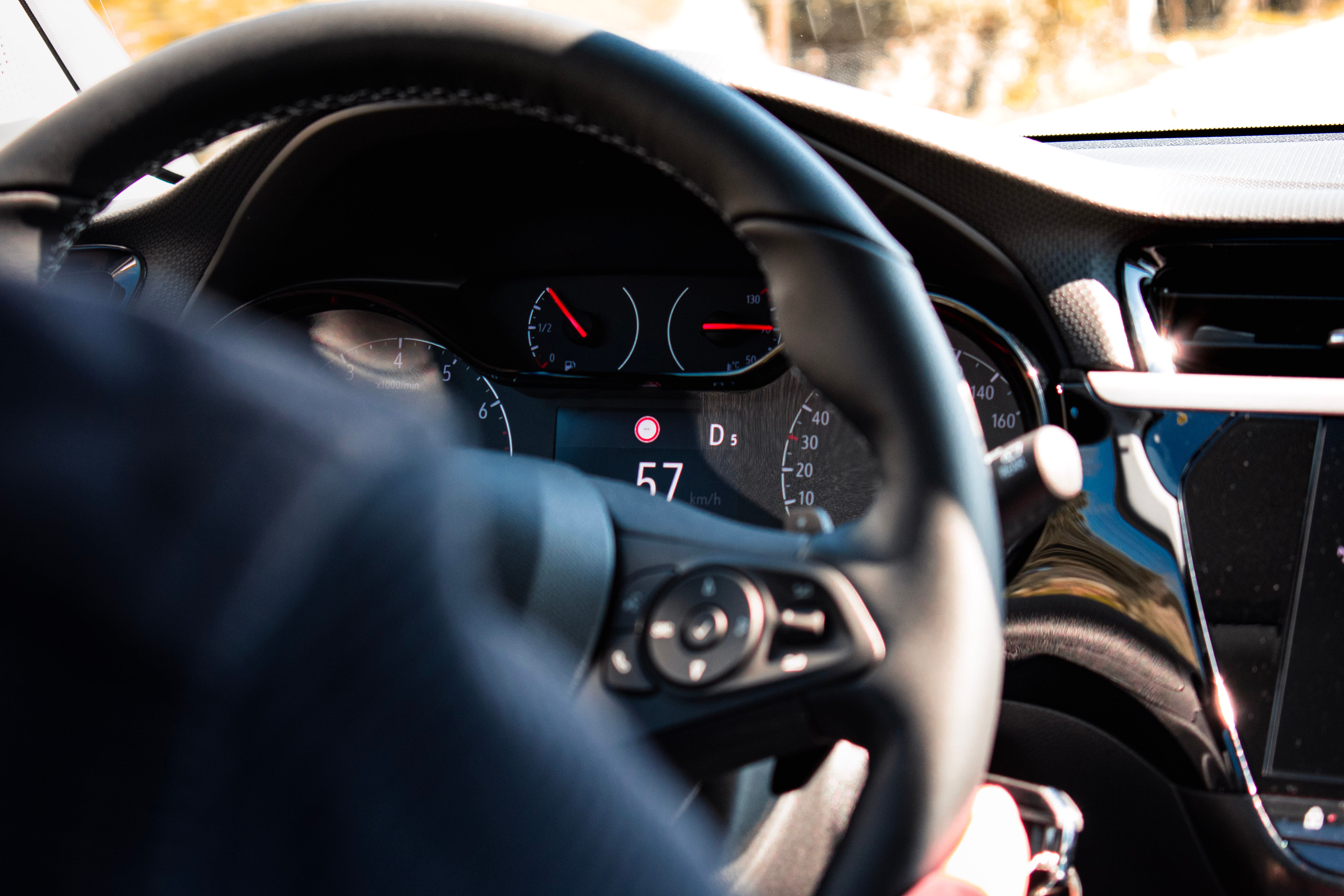
The U.S. National Highway Traffic Safety Administration’s visual-manual guidelines recommend evaluating how long drivers look away from the road. For tested tasks, the guidance uses thresholds of no more than two seconds for an individual glance and 12 seconds of total eyes-off-road time. These are voluntary recommendations, not a guarantee that an interface is safe or a substitute for local law. They make a useful design point: reducing the number and duration of glances matters more than adding display area.
NHTSA’s in-vehicle device guidelines also emphasize interruptible tasks and keeping one hand available for steering. Its human-factors design guidance explains why visual demand and glance behavior are central measures when assessing driver interfaces.
Physical controls still have a place
Behind the seamless surface is a network of displays, processors, sensors and circuit boards that must communicate reliably. The automotive PCB is part of that hardware foundation, alongside software that coordinates signals and decides what the driver sees. A fault or poor integration can affect more than convenience when alerts or controls depend on the same interface.
Smart cockpits will keep combining more functions, but the winning design is not the one with the biggest screen or the most menus. It is the one that makes essential information predictable, routine actions simple and nonessential tasks easy to postpone until the car is parked. Digital integration is most useful when it reduces the driver’s workload, not when it merely relocates every button into glass.