Category: How to
What to do when your Apple Watch refuses to turn on or does not respond or does not show any display? If you rely on this “fantastic” device on …
iCloud has over 850 million users. Whether you have a MacBook, iPhone, or iPad, chances are you use Apple’s robust cloud technology. With iCloud, you can sync your apps, …
Hyperbaric chambers are crucial in today’s medical world, offering a special way to treat a variety of health issues. These chambers work by increasing the pressure around the body, …
Usually, iPhone makes their user justify the decision to buy it by its smooth functioning and performance.Also, no one expects any issue after paying an enormous amount of currency …
People search for the bridge tools to connect their Android smartphone with their iOS like MacBook, MacBook Air, iMac etc. There are very fewer tools which help us to …
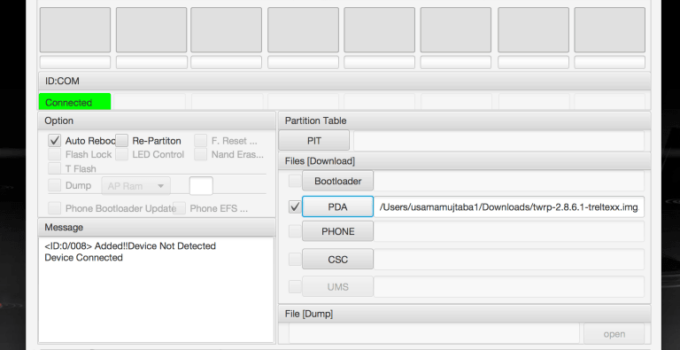
Rufus helps create bootable disks in just 1 click, however, if you are a Mac user you will find difficulties in getting Rufus for Mac. Here is a complete …
Mac is the most secure and powerful platform among the computer enthusiasts. Mac users have a great and easy-to-explore interface which gives them an edge over the other platform …
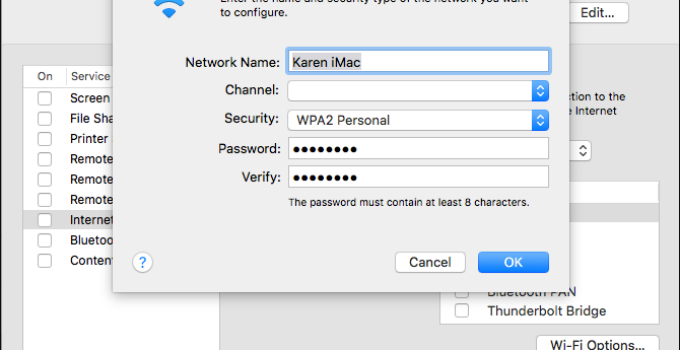
When iOS 11 was introduced by Apple, a new feature called Share Your WiFi was introduced. This feature allows you to share your WiFi network password with another iOS …
The text file (.TXT) contains unformatted text with the .txt file extension (for example, macreports.txt). By unformatted formatting, this type of text file is a plain text file without …
It would not be a mistake to say that copy and paste are among the most minimizing features ever. Not only does it save a lot of time, but …


![How to Keep Your iCloud Files Secure [5 Ways]](https://www.digitalcare.top/wp-content/uploads/2019/12/icloud-100708260-orig-680x350.jpg "How to Keep Your iCloud Files Secure [5 Ways]")

![[FIXED] iPhone Stuck on Black Screen with Spinning Wheel](https://www.digitalcare.top/wp-content/uploads/2017/12/iphone-screeblaoding-680x350.jpg "[FIXED] iPhone Stuck on Black Screen with Spinning Wheel")
![Download Rufus for Mac [6 Free Alternatives]](https://www.digitalcare.top/wp-content/uploads/2019/03/How-to-use-Pendrive-as-RAM2-680x350.jpg "Download Rufus for Mac [6 Free Alternatives]")
![[FIXED] mds_stores Process Consuming High CPU Usage](https://www.digitalcare.top/wp-content/uploads/2018/07/4-680x350.jpg "[FIXED] mds_stores Process Consuming High CPU Usage")

![How to Copy and Paste on iPhone? [All Models]](https://www.digitalcare.top/wp-content/uploads/2019/10/2-680x350.png "How to Copy and Paste on iPhone? [All Models]")