
Crypto security stories tend to focus on sophisticated hacks, but the losses people actually suffer usually trace back to something much simpler: a copied seed phrase, a fake support agent, or a wallet app downloaded from the wrong place. Blockchain transactions are generally irreversible, so once funds leave your wallet, there is often no bank to call and no chargeback to file.
The good news is that most of these mistakes are avoidable. Below are seven of the most common wallet errors, along with practical steps to prevent each one.
1. Keeping Everything on an Exchange
Leaving coins on a trading platform is convenient, but it also means you do not control the private keys. Exchanges are attractive targets for attackers, and a platform failure or account compromise can lock you out of your funds. A common approach is to keep only the amount you actively trade on an exchange and move longer-term holdings into a wallet you control. Some security guides describe a rough split, often called the 80-10-10 rule, which suggests keeping most long-term holdings in an offline hardware wallet, a smaller amount in a software wallet for everyday use, and only a small working balance on exchanges.
2. Storing Your Seed Phrase Digitally
Your seed phrase, sometimes called a recovery phrase, is the master key to your wallet. Anyone who knows those words can rebuild your wallet and empty it. Yet people routinely save them in a notes app, email them to themselves, or snap a photo of the paper. Those files can be synced, leaked, or accessed by malware on your phone.
Write the words by hand on paper or metal, store them somewhere physically secure, and keep them separate from the device itself. The U.S. Securities and Exchange Commission’s investor bulletin on crypto asset custody basics makes the same point: store your seed phrase somewhere secure and never share it with anyone.
3. Falling for Phishing and Fake Support
Phishing remains the most common way people lose crypto. Scammers send emails, texts, and direct messages that imitate wallet providers, exchanges, or customer support teams. They often claim your account is locked or your funds are at risk, then push you to “verify” your recovery phrase or move assets to a new address.
Legitimate companies do not work this way. Wallet providers have repeatedly stated that no real support agent will ask for your seed phrase, password, or two-factor codes. If a message creates pressure to act quickly, navigate to the official website by typing the address yourself, or contact support through a number you have verified independently. Recent AI tools have made fake messages more convincing, so polished grammar and a professional logo no longer prove anything.
4. Buying a Hardware Wallet From an Unverified Seller
A hardware wallet is one of the strongest tools available for protecting long-term holdings, but only if the device itself is genuine and untampered. Resellers on marketplaces sometimes sell used devices, counterfeit units, or hardware that has already been set up by someone else. In those cases, the wallet may be controlled by the seller from the start.
Buy directly from the manufacturer or an authorized retailer, check that the packaging is sealed, and always generate your recovery words on the device yourself. Never accept a device that arrives with recovery words already written down. Security researchers at Trail of Bits have published a detailed list of rules for the secure use of cryptocurrency hardware wallets, and the first few cover exactly this kind of supply-chain risk.
5. Never Testing Your Backup
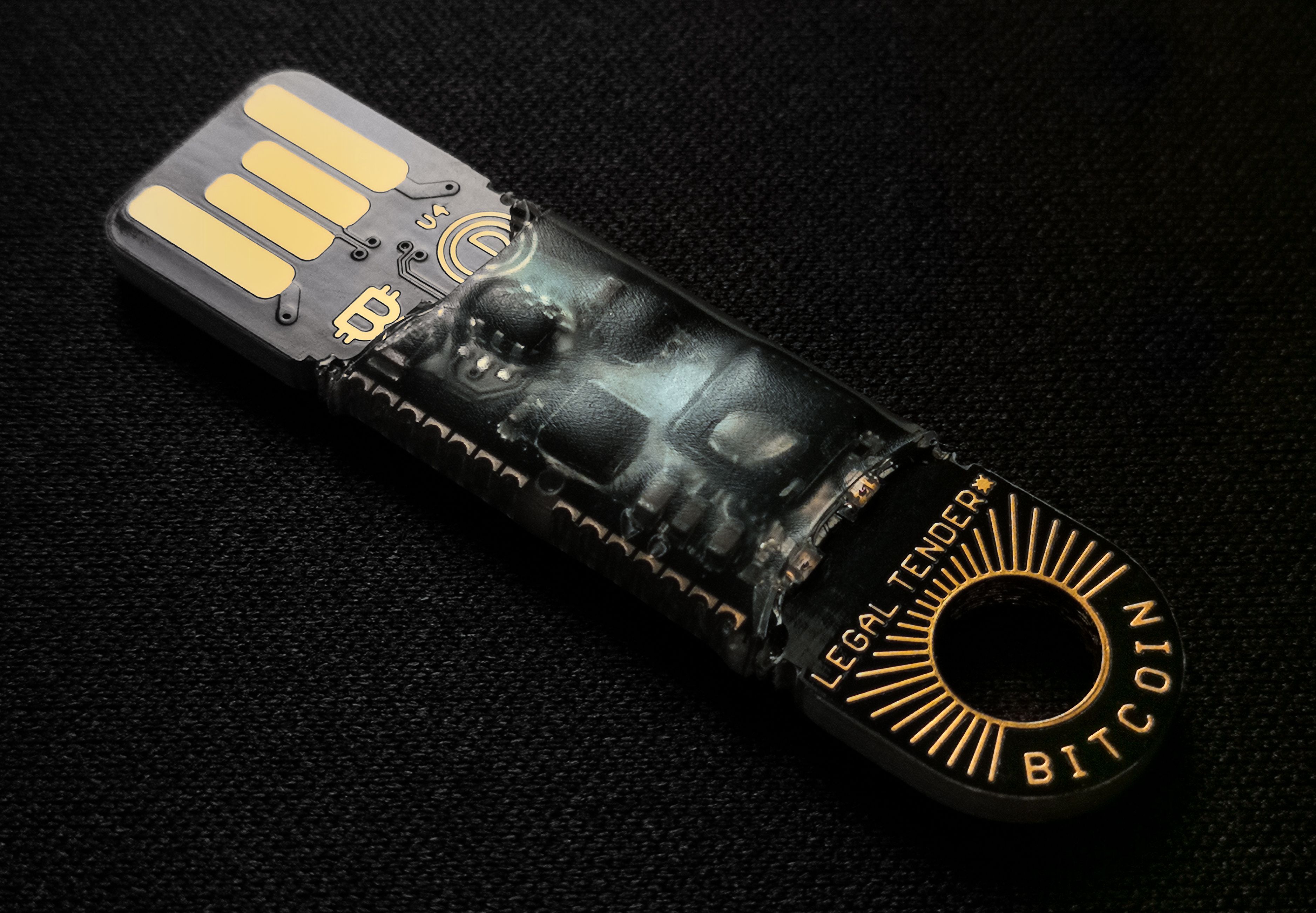
Many people write down a seed phrase, put it in a drawer, and assume it will work years later. That assumption is often wrong. A single misspelled or misordered word can make recovery impossible, and nobody notices until the original device breaks or gets lost.
Test your backup before you rely on it. Restore the wallet onto a spare device or a fresh install, confirm that the balances appear, then wipe the test environment. Keep the backup away from the hardware wallet, since a PIN offers little protection if an attacker has both the device and the written words.
6. Connecting Your Wallet to Unfamiliar Sites
Connecting a wallet to a website is not the same as logging in. In many cases, you are approving transactions or granting permissions that allow a contract to move tokens. Scam sites and fake dApps frequently use this to drain wallets, sometimes disguised as airdrops, giveaways, or mirror versions of popular platforms.
The risk is especially high on sites promoting fast crypto gains, including some crypto casinos that ask users to connect a wallet to deposit or play. Before approving any request, read what it actually permits, use a separate wallet with limited funds for experimental sites, and revoke token approvals you no longer need. If a site asks you to sign something you cannot explain, do not sign it.
7. Ignoring Your Phone and Browser Security

Even a well-designed wallet can be compromised by the device it runs on. Malware can capture keystrokes, swap copied wallet addresses, or display fake transaction details. Fake wallet apps have also appeared in app store search results, and some were designed specifically to steal recovery phrases.
Keep your operating system and apps updated, install software only from official sources, and avoid crypto activity on public Wi-Fi where possible. Use a dedicated device or browser profile for crypto if you handle significant amounts. Check your transaction history regularly so unauthorized activity is caught early. Early reporting can also help limit losses if something does go wrong.
Protecting Your Crypto Starts With Small Habits
None of these mistakes requires advanced technical skill to fix. Most come down to slowing down, verifying where information comes from, and keeping your recovery words private and tested. Start with the one that applies most to your setup. If you hold crypto on an exchange, consider moving part of it to a wallet you control. If you have never tested your seed phrase, do that this week. Small, consistent steps are what separate a secure wallet from a costly lesson.